


Extreme switches are built to help businesses connect their computers, servers, and other network devices. They come with different port options and features to support different network needs.
One thing that makes Extreme switches different from other network switches is how they are set up and managed. The software, settings, and tools may work differently, so technicians need to learn how each system works.
Installing and managing Extreme switches also gives technicians a different hands-on experience. From connecting cables to setting up the network, each step can vary depending on the switch. Understanding these differences helps technicians work with different network systems more confidently.
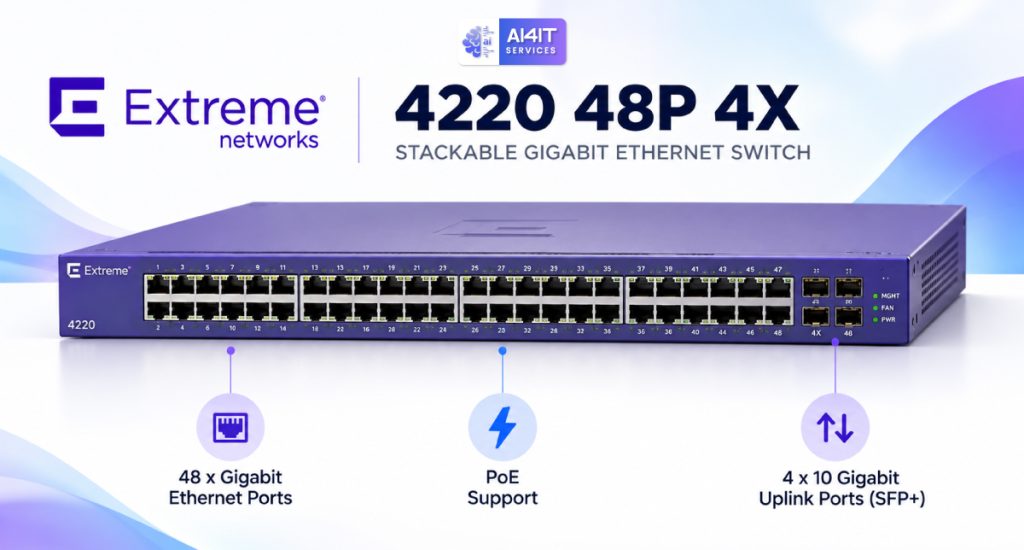
Understanding the Extreme Switch
The Extreme Switch is a specific switching platform that deserves attention when discussing our hands-on experience. When evaluating any enterprise switch, important considerations include port capacity, uplink connectivity, network requirements, compatibility, and the overall deployment environment.
For the 4220 48P 4X, the model designation indicates a 48-port configuration with 4X uplink connectivity. These capabilities make understanding port planning, uplink requirements, and configuration settings an important part of the installation process.
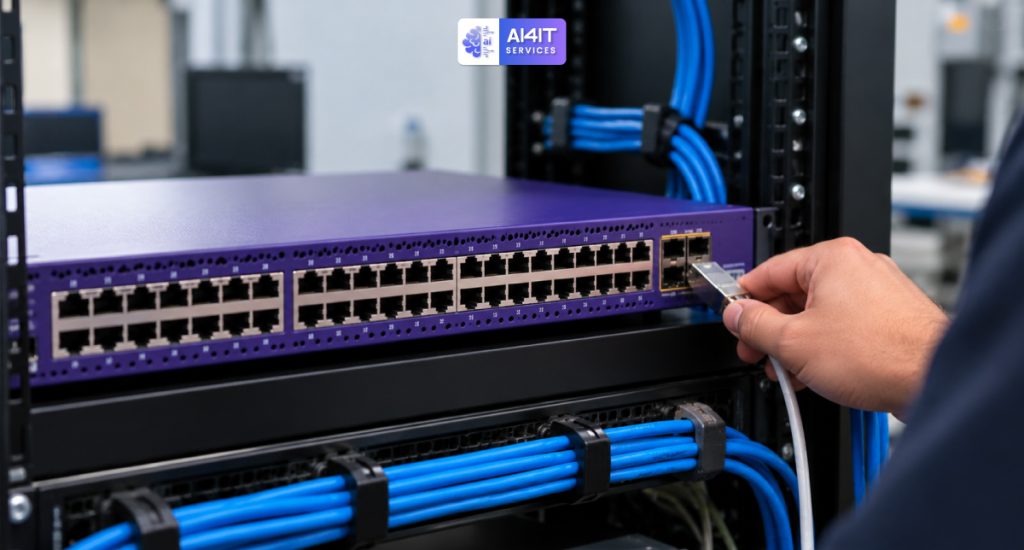
Different LAN and Stacking Setup
Nowadays, many network switches use a shared port for both LAN and stacking functions. On most switches, the default configuration is set to use the port for LAN connectivity first, with the option to change it to a stacking port when needed.
Interestingly, the Extreme 4220 48P 4X switch works differently. Its default configuration is designed to use the shared port for stacking rather than LAN connectivity. As a result, technicians must disable the stacking settings and reconfigure the port for LAN use to ensure the main switch can provide network connectivity and internet access to the connected server.
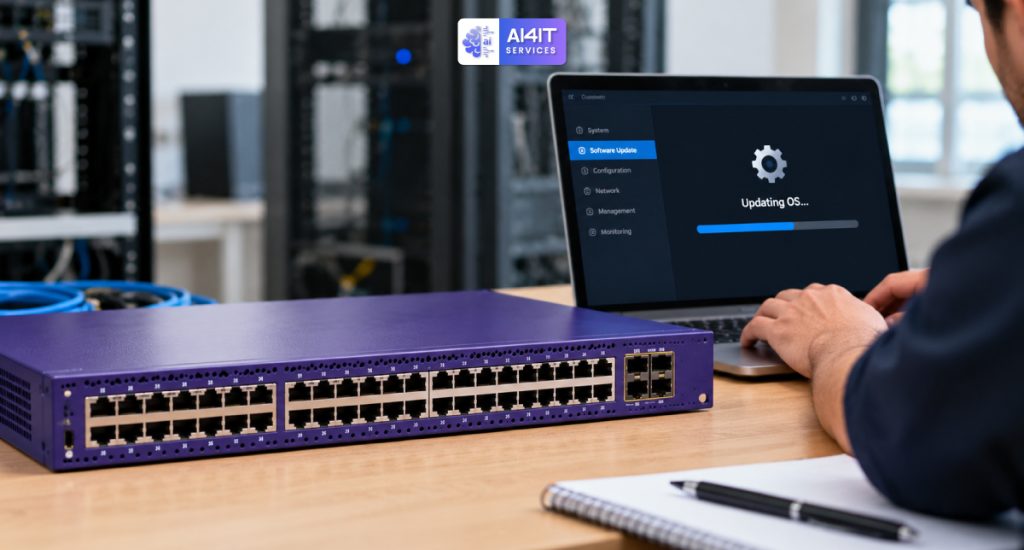
Different OS Compatibility
Most network switches are built to run on a current operating system (OS) version but can be upgraded whenever new OS versions become available. Therefore, one of the first steps in switch installation is to update the system to the latest compatible OS version.
Here comes another difference with the Extreme 4220 48P 4X switches. To reduce update time, these switches are designed to operate with one particular OS version. Therefore, the entire system should run on the specific OS version that the Extreme 4220 48P 4X switches are compatible with.

Different Management Process
Many network switches have their own configuration commands and management tools. Technicians who are familiar with one switch may find that another switch uses different commands, settings, and steps to complete the same task.
The Extreme 4220 48P 4X switch also has its own configuration process. Technicians need to understand its operating system, command structure, and management settings before making changes. This creates a different experience during installation, especially when setting up network connections, VLANs, and other important features.

Different Port and Uplink Configuration
Network switches come with different port types and uplink options. Some switches have ports that are ready for regular network connections, while others require additional settings depending on how the ports will be used.
The Extreme 4220 48P 4X switch comes with 48 Ethernet ports and four 10G uplink ports. These uplink ports help connect the switch to other network devices at higher speeds. During installation, technicians need to check the port settings, connection requirements, and supported features to make sure everything works properly with the existing network.
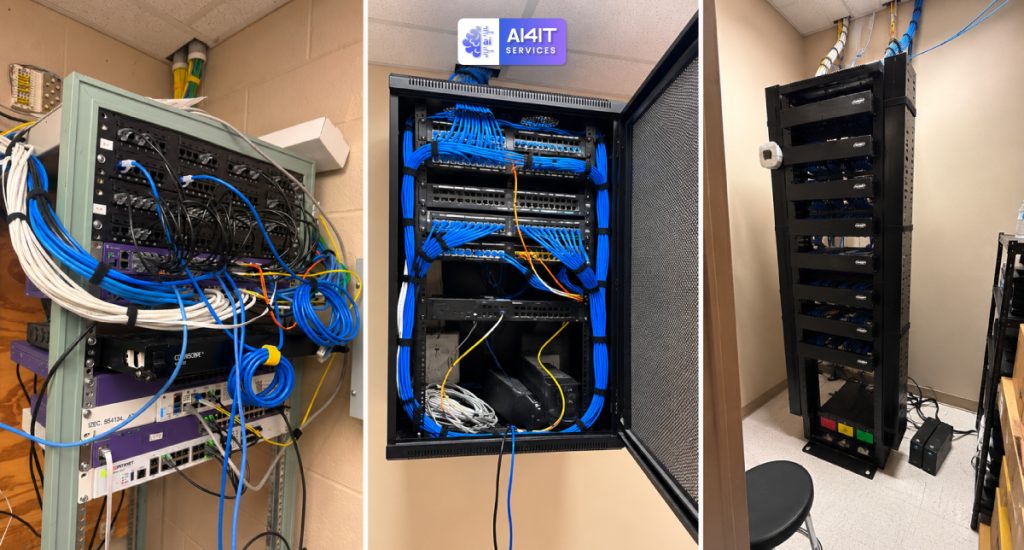
Our experience with Extreme 4220 48P 4X
We completed a switch infrastructure refresh at Warren ISD School, where our team faced two major challenges that were completely new to our technicians.
- Changing the Default Stacking Port to a LAN Port
- Finding and Using the Correct Switch OS Version
This project gave us valuable hands-on experience and helped our team gain more knowledge and improve our technical skills. Along with Extreme switches, we are also capable of working with other brands, including Cisco, HPE Aruba, and Arista Networks.
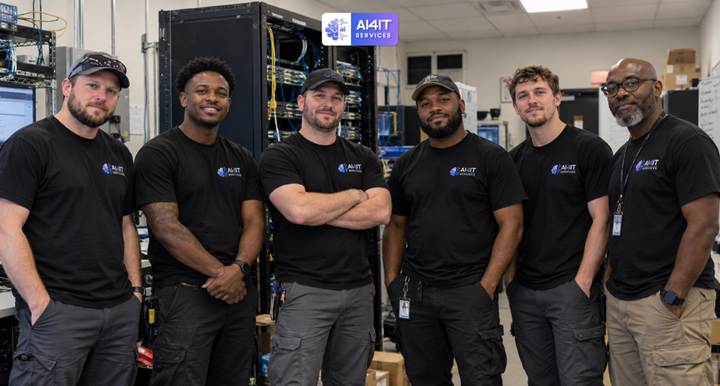
Best Networking and Infrastructure Works by AI4IT Services!
Install, upgrade, modify, manage- anything you want with an experienced and professional team for your business. Contact AI4IT Services today!
📞 +1 470-789-9970
Book a quick meeting with our excellent team: https://go.scheduleyou.in/yYDD8Arcz?cid=is:~Contact.Id~
Learn more about our services: AI4IT Services
Follow us on our social media: