

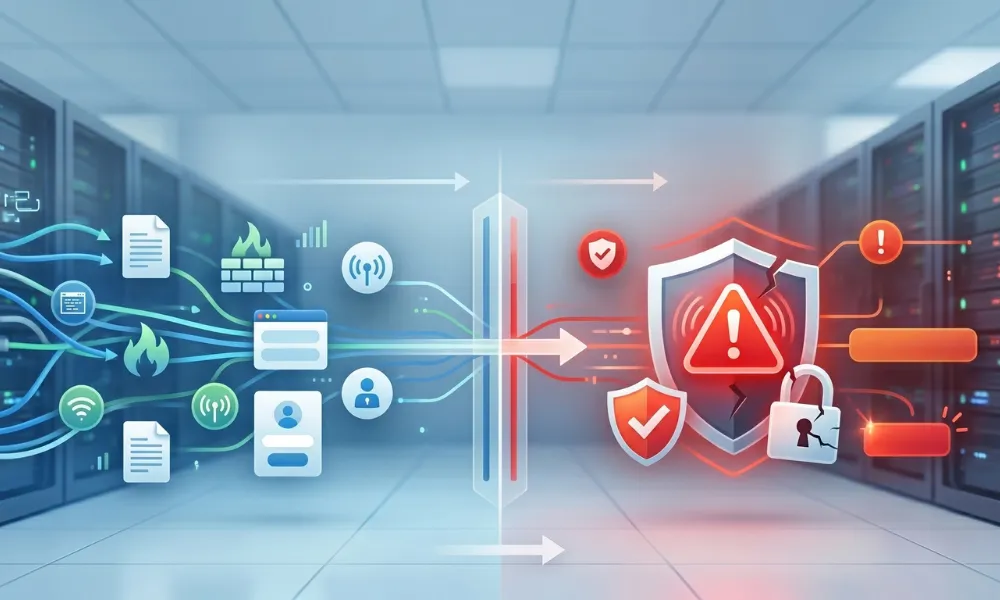
Every day, your systems record thousands of signals. Some are nothing. Some are serious. But most people do not know how to tell them apart.
A security event is any activity your system notices and records. A security incident is when that activity causes real harm to your data or systems. Most businesses treat every alert like an emergency. That burns out your team fast. And when a real threat shows up, they miss it.
Knowing the difference between a security incident vs event changes how fast you act and how well you protect your business. So ask yourself this: if a hacker were quietly moving through your network right now, would your team even know?
What Is a Security Event?
A security event is anything your system notices and records. It does not have to be harmful. It just means something happened that your security tools picked up.
Think of it like a motion light outside your house. It turns on when a car passes, when the wind blows, or when a cat walks by. The light turning on is the event. It does not mean someone broke in. Security events happen all day, every day. A medium-sized business can see thousands of them in 24 hours. Most are normal. Most need no action at all.
Here is what keeps them from becoming real problems. Your team watches them, logs them, and spots patterns over time.
Examples of Security Events
Below are everyday examples of security events that happen inside real business networks.
- A phishing email arrives in an inbox but gets caught by the email filter
- Five failed login attempts trigger an automatic account lockout
- A port scan is detected and blocked by your firewall
- An employee downloads software that was not approved by IT
- A certificate expiration warning fires from your web server
- A new admin account is created through a proper IT change request
None of these means your business was harmed. But all of them need to be logged and watched closely.
What Is a Security Incident?
A security incident is an event, or a series of connected events, that causes real harm. It violates your security policies. It threatens the confidentiality, integrity, or availability of your data or systems.
The keyword here is harm. An incident always has consequences. It moves from “something happened” to “something bad happened.”
Here is something many teams get wrong. A failed breach attempt is not an incident. If you count every attempt as one, your team will be drowning in alerts. That creates alarm fatigue, and real threats start slipping through unnoticed.
Examples of Security Incidents
These are real situations where an event crossed the line and became a full security incident.
- An employee clicks a phishing link and types their password into a fake login page
- Ransomware runs on a company server and starts locking up files
- A work laptop with customer data gets stolen from a car
- A hacker uses stolen login details to get into your cloud storage and takes client records
- An employee bulk downloads confidential files and sends them outside the company
- A misconfigured cloud storage bucket accidentally exposes thousands of patient records
Every one of these needs a fast, structured response. There is no time to wait and watch.
Security Incident vs Event: Key Differences at a Glance
The most important rule in cybersecurity is this: all incidents are events, but not all events are incidents.
| Security Event | Security Incident | |
| How Often | Hundreds or thousands daily | Rare but serious |
| Harm Caused | Unknown or none | Confirmed or very likely |
| Action Needed | Monitor and log | Respond immediately |
| Example | Phishing email blocked | Employee clicks phishing link |
This table gives your team a fast way to decide what needs attention and what can wait.
How Severe Is It? Understanding Impact Levels
Not every incident hits the same way. Your team needs a way to rank how serious something is so you use the right resources at the right time.
Severity depends on a few key things. What type of data was touched? Regulated data like HIPAA or PCI DSS records is always more serious. How many systems were affected? Did the attacker gain persistent access or move laterally across your network? Are there regulatory deadlines for reporting the breach?
A blocked port scan is low risk. Ransomware spreading across your production servers is a critical incident that needs every hand on deck right now.
When Does a Security Event Become an Incident?
An event becomes an incident the moment real harm is confirmed or strongly likely. Your team needs to watch for clear signals that push an event over that line.
Those signals include confirmed data access or theft, an attacker who has moved between systems, a policy violation with real impact, or evidence that your controls were bypassed completely.
Picture it this way. Events are the smoke. Incidents are the fire. Your job is to tell the difference quickly and not call the fire department every time someone lights a candle.
This is exactly why SIEM tools matter so much. They pull events together, add context, and show your team which ones are actually dangerous. Without them, your team is guessing.
If you want that kind of smart filtering without building an in-house team, the Managed Detection and Response (MDR) service does exactly that. It cuts through the noise, hunts real threats, and responds around the clock so your team does not have to.
How to Handle Security Events and Incidents
Events and incidents are handled very differently. Mixing them up wastes time and leaves gaps in your defense.
For security events, your team should:
- Log every event through strong security event logging practices
- Use SIEM tools to group and review events together with context
- Tune your detection rules often to cut down on false positives
- Track patterns over time to catch slow-moving threats early
For security incidents, your team must:
- Start the incident response process right away: Identify, Contain, Eradicate, Recover, Review
- Lock down evidence like logs, network captures, and system snapshots
- Tell leadership, legal, and privacy teams without delay
- Check your regulatory notification rules to know who gets told and how fast
- Fix the root cause fully before closing the incident out
The Cybersecurity Services team supports both event monitoring and full incident response, so your business always has expert backup when it counts.
Have a Security Incident Response Plan Ready Before You Need It
The biggest mistake most businesses make is waiting for an incident before writing a plan. By then, everyone is panicking, and no one knows their role.
A solid incident response plan spells out who does what, how fast, and in what order. It covers containment steps, communication chains, and recovery actions. It also needs to be practiced, not just written and filed away.
And your whole company needs to know the plan, not just IT. Legal, HR, leadership, and even customer service all have roles when a real incident hits.
Your people are also a key layer of defense. Human error still causes the majority of data breaches today. Security Awareness Training teaches your staff to spot phishing attempts, report strange activity, and build safe habits every single day. Trained employees catch threats before they become incidents.
Conclusion
Security events happen constantly. Security incidents happen less, but they hurt far more. The difference is one word: harm.
Events are signals. Incidents are confirmed damage. Know which is which, and your team will always know where to focus. Miss the difference, and real threats will hide in plain sight.
Train your people, use the right tools, and have a response plan ready before you ever need it.