
A cyberattack happens every 39 seconds somewhere in the world. What is more unsettling is that 91% of them begin with one email. Phishing is not complicated.
Someone sends a message, it looks like it came from somewhere trustworthy, and before the reader knows it, they have clicked something or typed in information they absolutely should not have. These emails are not always obvious.
They are written to feel normal, sometimes even familiar. The urgency in them is deliberate, the timing often terrible. People who spend their days working in tech get caught out by them too, which says a lot about how convincing they have become.
So, how do they actually work, and why do so many people still fall for them?
Why Phishing Emails Keep Working
Attackers don’t hack systems anymore. They hack people instead. Examples of phishing emails are effective because they arouse genuine feelings such as anxiety, urgency, and misplaced trust.
When a busy worker receives a notice of final payment, they respond without hesitation.
Real brand logos, neat formatting, and formal wording are all used in contemporary phishing emails.
There is no broken grammar or obvious red flag to catch anymore. Businesses that invest in Managed IT Services stay ahead because proactive monitoring catches threats early.
The Fake Invoice Email
Fake invoice emails target finance teams because they handle payments every single day. The email looks like a routine billing statement arriving from a familiar vendor. It carries an attachment or a link to view the invoice online.
Clicking it either installs malware or quietly steals login credentials. Attackers sometimes send follow-up reminders to push faster action from the target.
Watch for invoice numbers matching no internal records, unfamiliar payment accounts, misspelled sender domains, and pressure words like overdue or final notice.
The Account Verification Scam
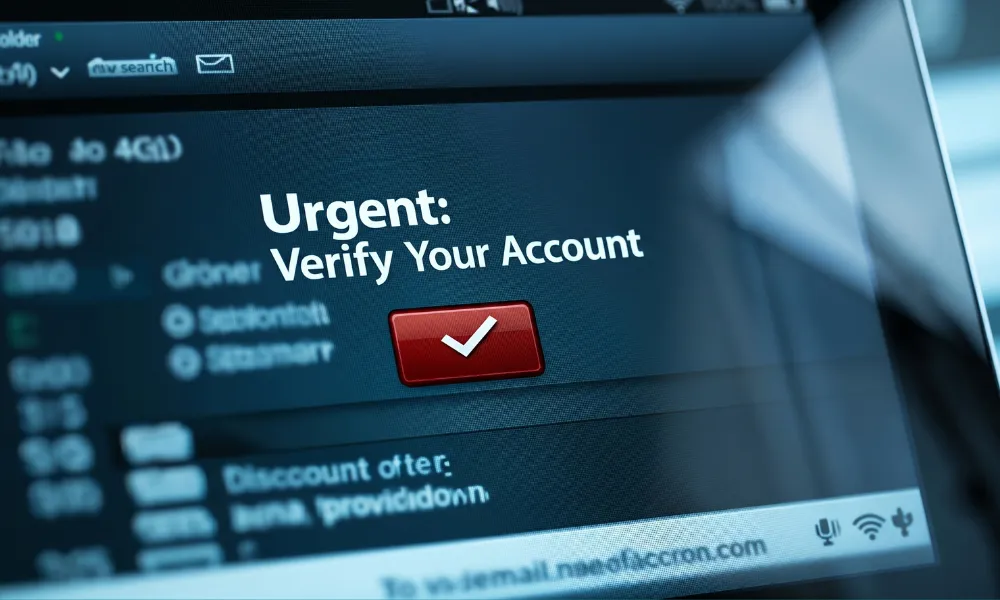
The account verification scam is one of those phishing email examples that catches people completely off guard. The email shows up looking like it came straight from Google, Microsoft, Apple, or a trusted bank.
It says the account needs verification right away or it gets suspended permanently. That kind of threat makes anyone click first and think later. The link opens a login page that looks identical to the real one but quietly steals every credential entered.
What makes it worse is that attackers often use leaked personal data to address the target by name, and that small touch makes the whole thing feel completely real.
Business Email Compromise and CEO Fraud
BEC attacks impersonate senior executives to push employees into transferring money fast. A finance team member receives an urgent message appearing to come from the CEO.
The request involves a wire transfer or a payroll account update to a new. Nobody naturally questions a direct instruction arriving from company leadership.
The FBI confirmed that BEC scams have cost businesses over 50 billion dollars globally to date. Without strong internal verification protocols, a single convincing email can drain company funds within hours.
Spear Phishing: When Attacks Get Personal
Spear phishing builds trust using real personal details gathered from public sources. Attackers study LinkedIn profiles, company websites, and data from previous breaches carefully.
The email references a real colleague, a live project, or a known internal system. That familiar detail makes the message feel completely safe and routine to the recipient.
A strong Compliance & Governance framework helps organizations catch unusual behavior before it causes real damage.
The Fake IT Help Desk Email
Fake IT emails warn about password expiry, failed system updates, or suspicious login attempts. They mimic the tone and format of internal help desk communications closely.
Employees are conditioned to follow IT instructions quickly and without asking many questions. Attackers step into that trusted role with surprising ease and confidence. The embedded link quietly downloads malware or redirects to a page harvesting credentials.
These phishing email examples hit hardest inside large organizations where IT communication flows freely across departments.
Smishing and Vishing: Phishing Beyond Email
Phishing has moved well beyond the inbox and now lives on phones, too. Smishing sends fake SMS messages disguised as delivery alerts or security codes. Vishing involves live phone calls from people pretending to be bank fraud teams.
These attacks often follow a phishing email to pile on pressure from multiple directions. Standard email filters cannot stop multi-channel attacks from getting through to victims. Modern Networking Services extend protection across every channel an organization relies on daily.
How to Spot a Phishing Email
The name in the from field is the first thing most people look at and the last thing that should be trusted. The actual email address behind it tells a completely different story sometimes.
Any link is worth a hover before a click, just to see where it is really headed rather than where it claims to go. And that feeling of urgency an email creates, the pressure to act fast, respond now, do not wait, that is not accidental.
It is the whole point. Recognizing that feeling for what it is gives a few extra seconds to think, and those seconds matter. Running simulated phishing tests across the team now and then keeps people sharp in a way that a one-time training session never does.
And having a clear process in place for verifying financial requests or any credential changes means one suspicious email cannot cause serious damage on its own. These practical habits stop most phishing email examples from causing any serious harm at all.
FAQs
How do phishing emails bypass spam filters?
Attackers host malicious content on trusted platforms like Google Drive or Dropbox. Those legitimate domains pass spam checks without raising any flags.
What is the difference between phishing and spear phishing?
Phishing sends generic messages to large groups of people at once. Spear phishing targets one specific person using carefully researched personal details.
Can phishing emails come from known contacts?
Yes, compromised accounts let attackers send emails directly from a familiar address. That familiarity makes these messages the hardest ones to question.
What should someone do after clicking a phishing link?
Disconnect the device from the network immediately and notify the IT team. Change all potentially exposed passwords from a separate, clean device straight away.